
Disability World
A bimonthly web-zine of international disability news and views • Issue no. 7 March-April 2001


table of contents - home page - text-only home page

Organizing and Hosting a Cyber Café
By Peggy Martinez and Sean Ennis

Between May 1999 and November 2000, Sean Ennis and Peggy Martinez assisted in organizing and hosting cyber cafés at three U.S. conferences on employment of women with disabilities and two international conferences on the inclusion of children with disabilities into the community held in Edmonton, Alberta, Canada.

The purposes of the cyber cafés at the conferences on employment of women with disabilities were: to encourage participants to learn or improve Internet skills in searching the web for employment and disability-related information; and to provide information and training related to use of computer hardware and software accessible to people with various disabilities. Based on these objectives, the women's conference cyber cafés were subsidized by Microsoft corporation with additional support provided by the U.S. Department of Agriculture's TARGET Center ("Technology Accessible Resources Gives Employment Today").

The purpose of the cyber cafés at the international conferences on inclusion of children with disabilities into the community was to demonstrate assistive technologies ("AT") that make it possible for people with various disabilities to access the mainstream technologies used today. The cyber cafés at the Canadian conferences were supported by: Human Resources Development Canada, U.S. Department of Agriculture TARGET Center, U.S. Department of Defense CAP Center, U.S. Department of Health and Human Services, Maternal and Child Health Bureau, and the U.S. Social Security Administration.

We were asked to organize and host cyber cafes at the two Canadian conferences on inclusion of children with disabilities into the community based on the success of the cyber cafés at the conferences on employment of women with disabilities. The U.S. government sponsors were pleased with the services we provided and conference participants rated the cyber cafés as highly useful.

A description of the successes, challenges and suggestions for improvement will be provided here.

About the Authors
Peggy Martinez is an assistive technology consultant and trainer, employed in the AT industry since 1995. After working in the public and private sectors, Ms. Martinez now works independently providing AT consultation, evaluation and training for individuals, AT companies, and government agencies. Peggy's specialties include computers and portable devices with speech and braille output, scan-and-read systems and screen magnification. Ms. Martinez, blind since birth, also teaches braille literacy and provides braille translation and alternate format services. For National Public Radio affiliate KHSU-FM (Arcata, CA), Peggy produces and hosts The Disability Access Report, a weekly radio program focusing on local and national organizations and events of interest to people who have disabilities, as well as their families, friends, colleagues, and employers.

Sean Ennis is an assistive technology trainer and technician, working in the field professionally since 1995. Sean provides installation and training services for AT vendors and government agencies. He is experienced in speech and braille output, scan-and-read systems, screen magnification, and voice-recognition systems. Mr. Ennis is also owner of Ennis Web Design, a full-service web development company specializing in custom software installation, accessible web site design, digital audio, and integration of internet technologies with office procedures. Ennis Web Design serves clients in both the commercial and non-profit sectors nation-wide. Sean engineers The Disability Access Reportradio program and is developer of its companion web site at www.disabilityaccessreport.org.


Brief Descriptions of the Events and Our Roles

1. Oakland, California - May, 1999
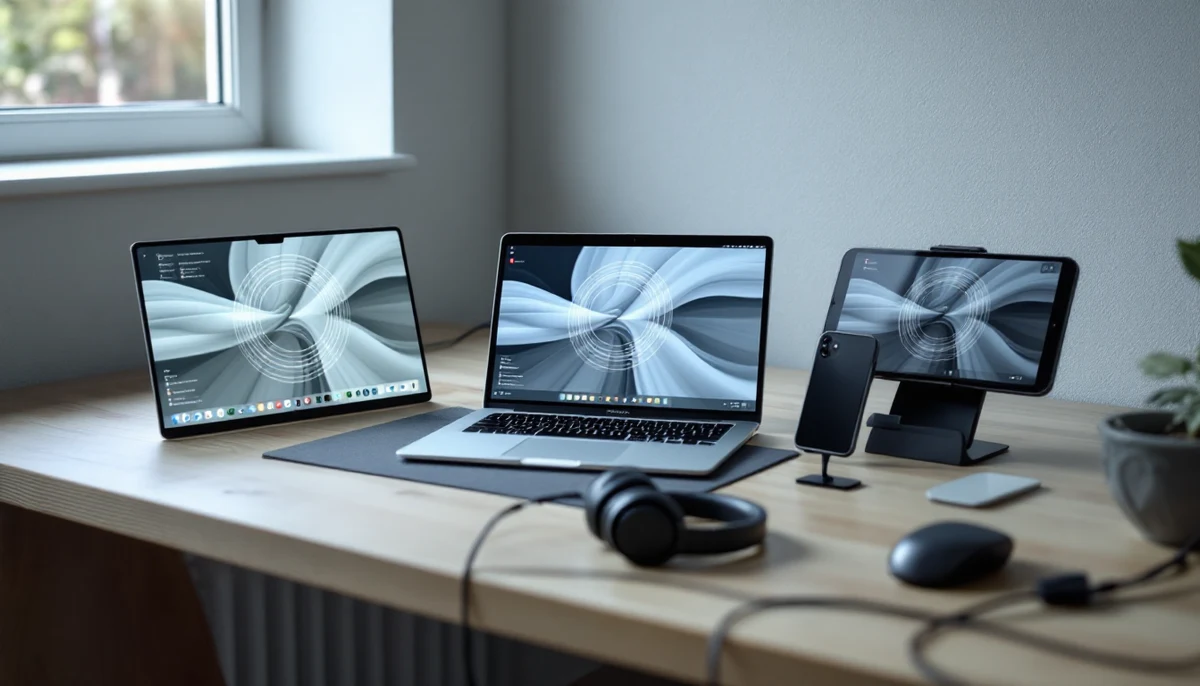
This was the first in a series of U.S. conferences on employment of women with disabilities, held at the Oakland City Center Marriott in Oakland, California. We did not assist in the organization of the cyber café for this conference. We were asked to be present during open hours to provide technology demonstrations and information and referral. The cyber café was equipped with several computers with assistive technology such as voice recognition software, screen reading software, screen magnification software and large monitors. The computers were connected to the internet to demonstrate the use of assistive technology for online job searches, viewing relevant web sites, and web email operations.

The cyber café was closed during general sessions and open during breakout sessions. While a description of the cyber café was in the conference program and mentioned by organizers, there were no sessions specifically focusing on using assistive technology and the internet to conduct employment-related research at this conference. We believe such sessions would have increased attendance, which was enthusiastic, but limited.

2. San Antonio, Texas - July, 1999
For the second conference in the series, in addition to information, referral and demonstrations, we were asked to communicate directly with Marriott Computer Services to arrange computer rental and internet access for the cyber café, which went smoothly.

We were quite busy with participants in San Antonio. Several demonstrations of assistive technology were given to end users and professionals each day.

A representative from Gladnet also worked in the cyber café and gave internet orientations for people researching education, careers, or health information. A representative of the USDA TARGET Center brought portable assistive technologies that address the needs of people with various disabilities. A computer technician from the Social Security Administration also brought equipment.

The cyber café was open nearly all day. Marriott Services opened the room early each day, and people were using the cyber café for research and to check email.

3. Fort Mojave Reservation, Laughlin, Nevada - March 2000
In preparation for the third conference, which was held at the Avi Casino and Resort, we were asked to research and organize computer rental and setup, internet access and logistics with the Avi staff. We arranged for a Las Vegas computer rental company to install a small network of computers with internet access and printers. Internet access was procured from a local company.

The cyber café was closed during general sessions, and open during breakout sessions.

A representative of Rehabilitation International conducted a session about internet research for employment, which drew participants. A representative from the USDA TARGET Center conducted a session on portable assistive technologies, which also drew participants.

Many participants were exposed to the internet for the first time. We taught several people how to do internet searches for employment, education and health information. Assistive technology demonstrations occurred regularly each day.

4. Inclusion of Children with Developmental Disabilities in the Community (2 sequential conferences), Edmonton, Alberta, Canada - October, 2000
In October 2000 we provided our services at two conferences, a conference intended for Canadians, and an international conference. Both events focused on the inclusion of children with developmental disabilities in all aspects of community life. Our role during pre-conference planning involved education of the organizers of the event in the areas of assistive technology and the internet. Computer rental and internet access were arranged by a local agency, based on our equipment recommendations. Both Windows-based computers and Macintosh computers were available, but only the Windows systems had assistive technology enhancements.

The cyber café was closed during general sessions and open during breakout sessions. We found that people wanted to use the computers at other times to check email and to prepare for presentations. Conference organizers also used the room and equipment for their daily tasks.

Representatives from USDA TARGET Center and the U.S. Department of Defense's CAP Center brought examples of equipment and software for people with various disabilities including software for people with learning disabilities and augmentative communication tools. These tools were demonstrated and/or explained often each day.

We gave several demonstrations each day to end users, and many to parents and agency staff. Some participants received extensive one-on-one orientation to computers, the Windows operating system, the internet, and specialized hardware and software. One presentation was given during a general session on the last evening of the second conference, describing some of the technologies in the cyber café.

Recommendations
Presentation and Inclusion of the Cyber Café Before and During the Event

Consider renaming the cyber café using words that are commonly used such as "Assistive Technology Resource Center" or "Internet Center." We found that most people did not have instant recognition or understanding of what we were offering when using the term "cyber café".

Get cyber café staff involved early in the planning stages. This will enable them to get a clear idea of the target audience and goals of the conference, and prepare accordingly. They can also help assist in integrating the cyber café into the conference program.

Demonstrate practical uses of assistive technology. Lectures and descriptions are important, but showing how AT is actually used in everyday life provides a mental connection, and helps people understand the importance of matching the individual with appropriate technology.

Provide several formal presentations on assistive technology in the cyber café early in the conference. By having the cyber café in the agenda, and inviting people to get specific information, will help keep the room active during the course of the event. Having signs around the venue helped draw a few people, but most seemed to arrange their day based on the sessions and resources listed in the daily schedules and conference program. Include panel discussions or seminars focusing on assistive technology and its relevance to the subject matter of future conferences. Having a sign-up sheet can let presenters know how many people to expect, and potentially increase demand. Drop-ins should, of course, be allowed.

Create a web page for the conference with relevant links, and set each computer's web browser to start with it. This method allows for easy updates and inclusion of new sites found over the course of the conference, and to share them with all cyber café visitors who use the world wide web during the event. Setting bookmarks is time consuming and difficult because they must be set or loaded on each computer individually. If all machines point to a conference specific web page, only one file need be changed when a bookmark is suggested for addition, which can be easily done on site.

Logistics
Limit conference staff use of the AT center. On several occasions, conference participants found no computers available due to staff utilizing them for conference duties, and walked out. We recommend a separate room and dedicated equipment for event staff to prepare and duplicate documents, adjust schedules, email, etc.

Limit use of the room by participants for everyday tasks such as checking email. Designating one workstation for email use was one method we employed to ensure that participants arriving for assistive technology demonstrations were able to get what they came for. The demand for email has surpassed the demand for AT demonstrations or information during each conference. It may be prudent to provide computers solely for this purpose, and appropriate accommodations for accessibility should be provided. In most cases, we can only provide access to web-based email, not standard POP email. Because of this limitation, we recommend that participants determine whether their provider has a web email option, and if not, they should establish a free webmail account with Mail.com, HotMail, Yahoo, or another provider before the conference. Staff time was consumed helping people establish new web mail accounts so they could communicate with people at home or at the office. People wishing to use web email need the following: 1. The URL of the webmail service. 2. Their username. 3. Their password. Without this information, we cannot help with email access.

Participants should be limited in the amount of time they spend on a workstation. On several occasions, participants had moved on from gathering information and trying assistive technologies, and were playing games or using entertainment websites. If no one is waiting to use a computer, this does not present a problem, but upon seeing all computers occupied, a new arrival may walk out immediately before staff can address their interests.

Dedicate one workstation for group presentations or for assistive technologies that cannot be provided on all workstations. For instance, we will usually have a voice-recognition system installed on only one machine because of the extra equipment and voice training required to use these systems. If this machine is occupied with someone checking email, we must wait or ask participants to return later, which is not always possible due to time constraints.

Whenever possible, computer rental and internet access should be provided by local companies. In case of difficulties, a local company can provide in-person support and their knowledge of the area proves invaluable for unexpected needs, such as extra equipment, printing services, etc. Installation should be performed by the rental company due to their knowledge and experience with the equipment, and in case of any problems, the company should be able to provide solutions in a timely manner.

Internet access should be high speed and continuous whenever possible. The cyber cafés have utilized T1, cable, and modem connections for internet access. Because of the "always on" nature of broadband services like T1, cable and dedicated DSL, they require less intervention on the part of staff to maintain the connection. Additionally, these services are at least five times faster for downloading data, making them more appropriate as a resource shared by several users simultaneously.

There should be ample staff in the cyber café. A minimum of three staff members who are familiar with general computer operation, internet research and assistive technology should be on hand for a room with 6 workstations. There were times when one of us was busy troubleshooting technical difficulties and the others were working with participants, and although there were available computers, no one was free to help new arrivals meet their goals for their cyber café session. Even having someone without technical knowledge who can greet people and direct them to the appropriate technologies or assistive technology specialist can help ensure that people get what they need soon after arriving, preventing people from leaving or feeling ignored. Anyone assisting in the cyber café should receive basic orientation on the equipment and on who specializes in which technologies so that participants can be directed accordingly. If the event is attended by people speaking different languages, it would be helpful to have staff who are multi-lingual.

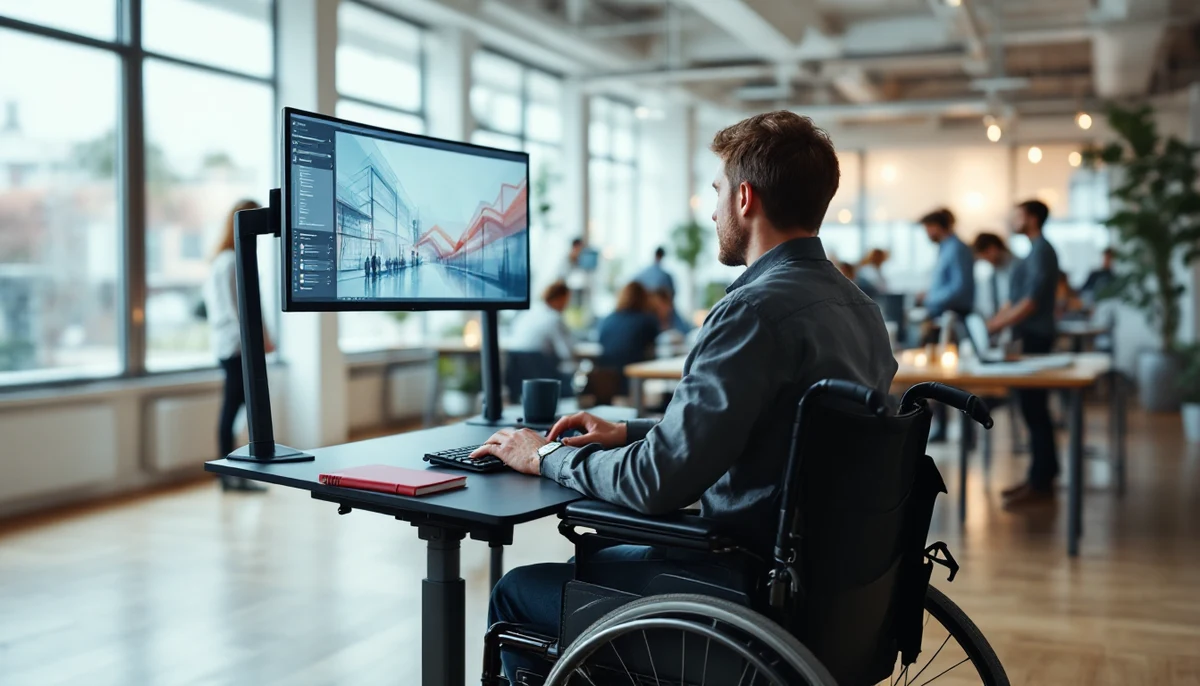
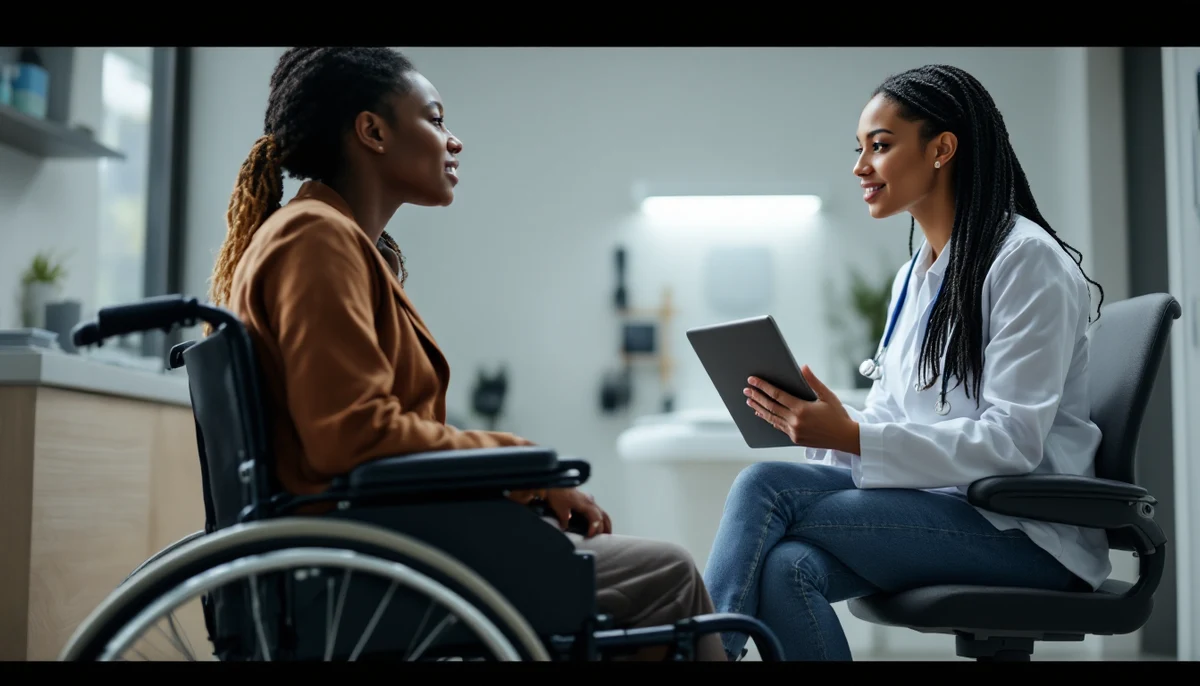
The room should be large enough for several people in wheelchairs to easily maneuver. There is often constant turnover of visitors, and it is distracting for participants to have to move every time someone else needs to. Computers should be on tables high enough to accommodate people in wheelchairs.

Do not allow participants to install software or adjust settings without the assistance of staff. Sometimes people trying to "help" end up causing problems that are difficult to identify, and may lead to an inoperable computer. Only allow software that is directly related to the event subject matter. If someone brings their own assistive technology software, it may be appropriate to install it for that person to use, for demonstration or for evaluation purposes, but should be installed only by staff. It is probably inappropriate to install video games. Even a simple installation can change the computer configuration in such a way to make the assistive technology inoperable. Addressing these problems takes staff away from assisting participants.

Conclusion
The commitment of conference organizers and supporters to assistive technology is clear. Participants at all of the conferences expressed great interest inassistive technology. We interacted with many people seeking information that would apply to them or to someone they know. We were able to refer people to services, resources, and technologies that would help them achieve their goals. We welcome the opportunity to be a part of assistive technology efforts at future events.

Peggy Martinez
Phone: 707-822-3122
Email: pegmar1@earthlink.net

Sean Ennis
Phone: 707-667-0886
Email: info@enniswebdesign.com
Web: http://www.enniswebdesign.com


table of contents - home page - text-only home page


Email this article to a friend!