A Visit to the Virtual World: Computer-adaptations for disabled people
By Petra Jorissen, Amsterdam
Are you blind or partially sighted? Do you only have one arm or can't you use both of them? Maybe you don't even have your voice at your disposal, or are you - because of disabilities - tied up like a parcel on your bed? Whatever the problem may be, if you can't use your brawn, use your brain. There are many dodges and tricks in the world of computers. People with severe disabilities also can communicate via computers. Having a look at the virtual world seems to be possible for everybody.
Let's start simply. Imagine you're one-armed; a one handed keyboard is a perfect godsend. At present many different one-handed keyboards are available. Keyboards for left-handed and keyboards for right-handed people. Not all of them are user-friendly and also prices vary. To give you an overview of what is available, the following is a short description of two of them.
IBM designed the Half Keyboard, a solution for left-handed users. This is a compact, wearable keyboard with a small amount of big keys. Each key has two characters. If you press longer on the keys, you can use the characters that are on the right sight of a "normal" keyboard. The keyboard looks magnificent, and you can easily transport it by a clip on a strap of your trousers or dress.
The Frogpad is made in Germany and is a one-handed, wearable, also magnificent designed keyboard. It may be used with USD keyboards, compatible PDAs, pocket PCs, tablet and wearable PCs and other mobile applications.
Of course, there are also special typing courses for one-handed users such as Five Finger Typist , special software that is available on diskette. You can find additional information about Half-Qwerty Software in the list of special sites at the end of this article. When I saw the photos on the website, I wondered why I, a two-hand user, should not move on to such a nice, compact, wearable half-keyboard.
Special binoculars
What do you do when you can't use your hands at all? Janine Romijn, a Dutch woman with spastic paralysis can't use her hands. She is inseparable from her LUCY, a specially adapted computer and keyboard, designed for people who cannot use their hands. With LUCY, Janine operates her personal computer, her printer and different communication aids. She does not use any special software. Janine wears a special head strap onto which small laser indicators are fastened. By little movements of her head she can operate her computer and many other appliances that can assist her. "Working with LUCY is comfortable, simple and can be very fast. You only need some practice and after that, you don't want to stop," says Janine. Her advice: if you can't use your hands, be smart and use your head!
And she did. For ten years she was employed as a technical designer. Currently, she has her own business, called Headlight. She gives advice and information to people with all kinds of disabilities about how to use LUCY and other special computers.
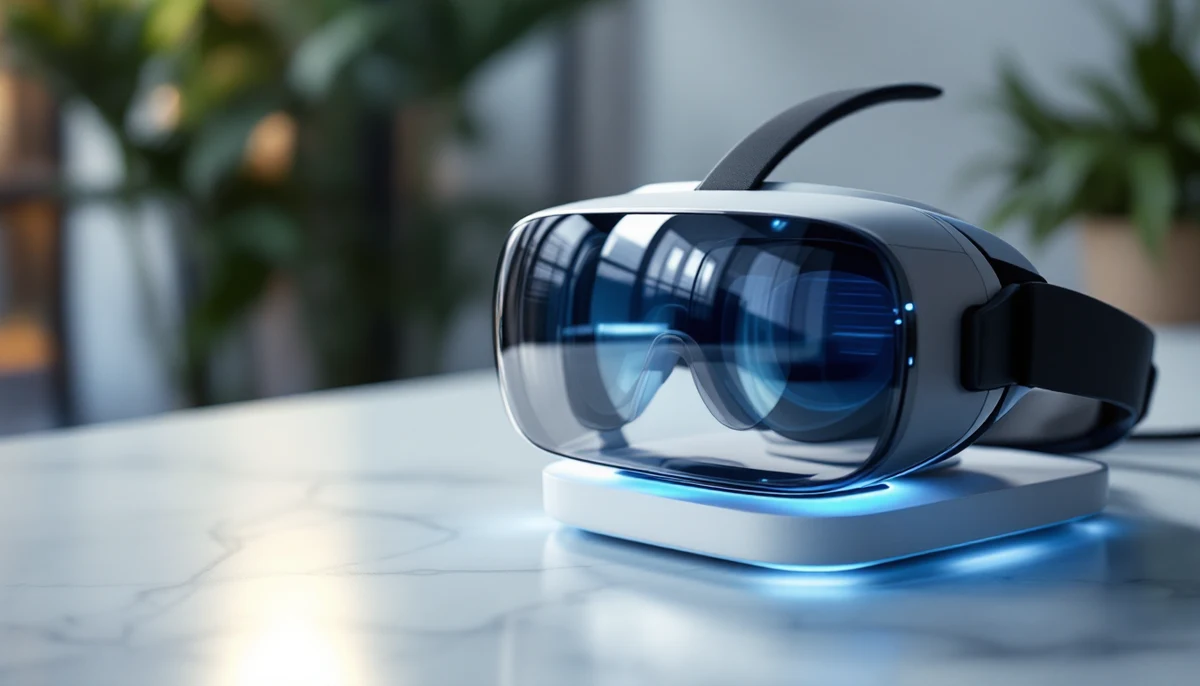
LUCY has been gradually succeeded by VisionKey. People who use VisionKey don't need to move their head; they only have to move one eye. With the "free eye." the user can look at other things in the surrounding area. Vision Key is a lightweight, miniature binocular that is worn on someone's head. A very small "eye-catcher" is integrated inside the binocular. The eye-catcher communicates with the specially adapted visual keyboard and the computer. In addition, it is possible to build-in an internal and external speech-synthesizer for people with speech disabilities.
VisionKey is not only is a device that helps people with severe disabilities to communicate, it is also very suitable for learning and working. Users can make their own website or a Power Point presentation. VisionKey can also open doors and windows, turn on the lights and so on. One VisionKey user wrote - situated in his bed - a book by using VisionKey. Many "binocular-wearers" have severely disabilities such as Amyotrophic Lateral Sclerosis, Muscular Dystrophy, Cerebral Palsy, Traumatic Brain Injury, Quadriplegia and Locked-in-Syndrome. The easy to use binocular really is a window to the world, especially for people with Locked-in Syndrome. The binocular also makes it possible to surf the World Wide Web.
Screen readers, talking checkbooks and a unique 3D computer game for blind youngsters
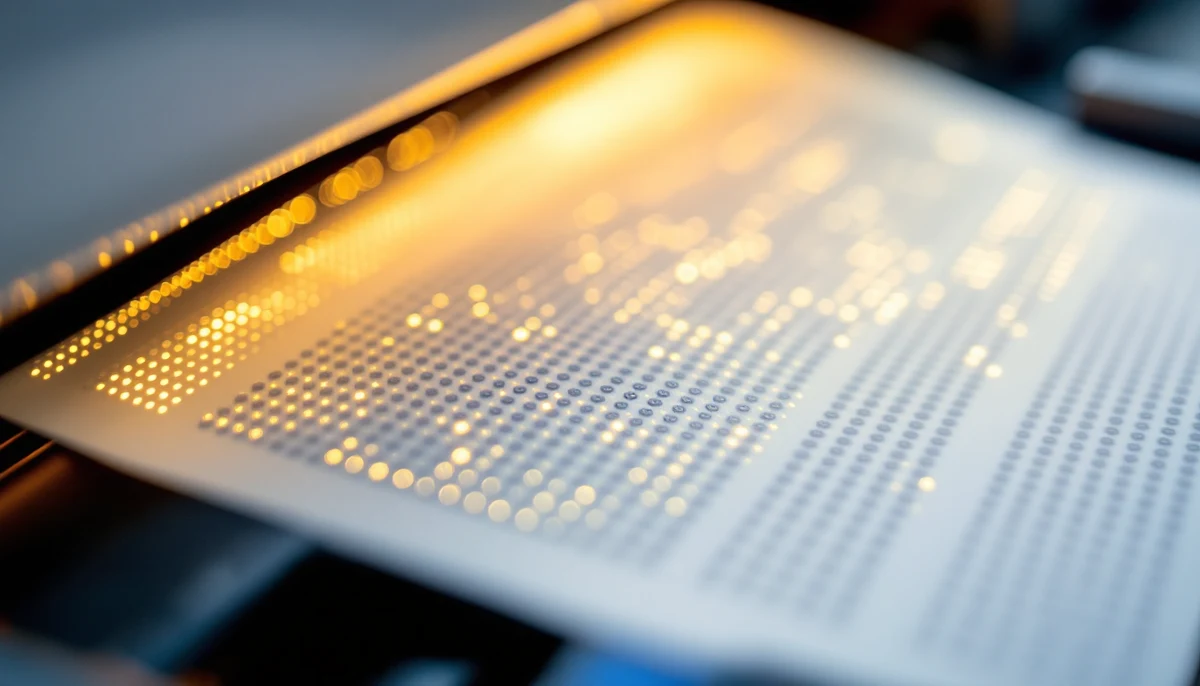
What could you use when you have no vision or low vision? Low vision users can use a screen-enlarger to read text on a computer screen, and when a blind user wants to read the text on a screen, he can use a screen reader. This adaptation analyzes the information on the screen and converts it into Braille, speech or both. A screen reader itself does not talk, but it sends the information on the screen in ready-to-eat chunks to the speech system and/or to the Braille- read system. With a screen reader, blind people also can use the Internet.
There is a brand new 3D computer shooting game for blind youngsters. The game is designed by students of the Arts Academy in Utrecht (Holland) in cooperation with Bartiméus, an institute for the blind. The computer game, called Demor , especially aims to entertain blind youngsters. "It is a sensational experience," said one blind player. Demor players are not sitting behind a computer, but they are walking around in a huge area in the open air. A 3D audio world is in this area created by means of special software. As soon as the game starts, players get into the middle of a virtual world of sounds. Walking around they hear sounds from all directions. The sound environment adjusts real time to the position of the player and the direction at which he is looking. The goal of the game is to eliminate as many monsters as possible, and for every eliminated monster, the player gets points. Demor players are equipped with a laptop (in a rucksack), a headphone, a GPS-receiver, a head tracker and a special joystick. Blind players experience a sensational feeling of physical freedom. Players without visual impairments found the game very exciting, because instead of using their eyes they exclusively had to listen.
Oh no, it's not only entertainment that makes the world go round. Blind people also have to do serious things, for example, bookkeeping. A talking check-book can help you if you can't read the numbers in a regular-sized register.
There is much movement in the computer industry. This morning, I even read a short article about "Brainfingers," a computer adaptation for users who control their computer by means of their thoughts-- again something new that staggers me.
Sites with information about one-handed keyboards and software
http://edgarmatias.com/papers/chi94/
http://www.almaden.ibm.com/cs/user/inddes/halfkb.html
http://www.kaizenfrogpad.com/online_store.html
http://www.handykey.com
http://www.keyalt.com/keyboards/halfqwertysw.htm
http://www.accessibility.nl
Site with information about VisionKey
http://www.eyecan.ca/
Site with information about screen readers
http://www.dolphinuk.co.uk/
Site with information about Demor
http://demor.hku.nl
printer-friendly format |